The Death of WordPress
Why, in the new age of AI, my love affair with WordPress is over.
By Corey A. Burkes15 min read
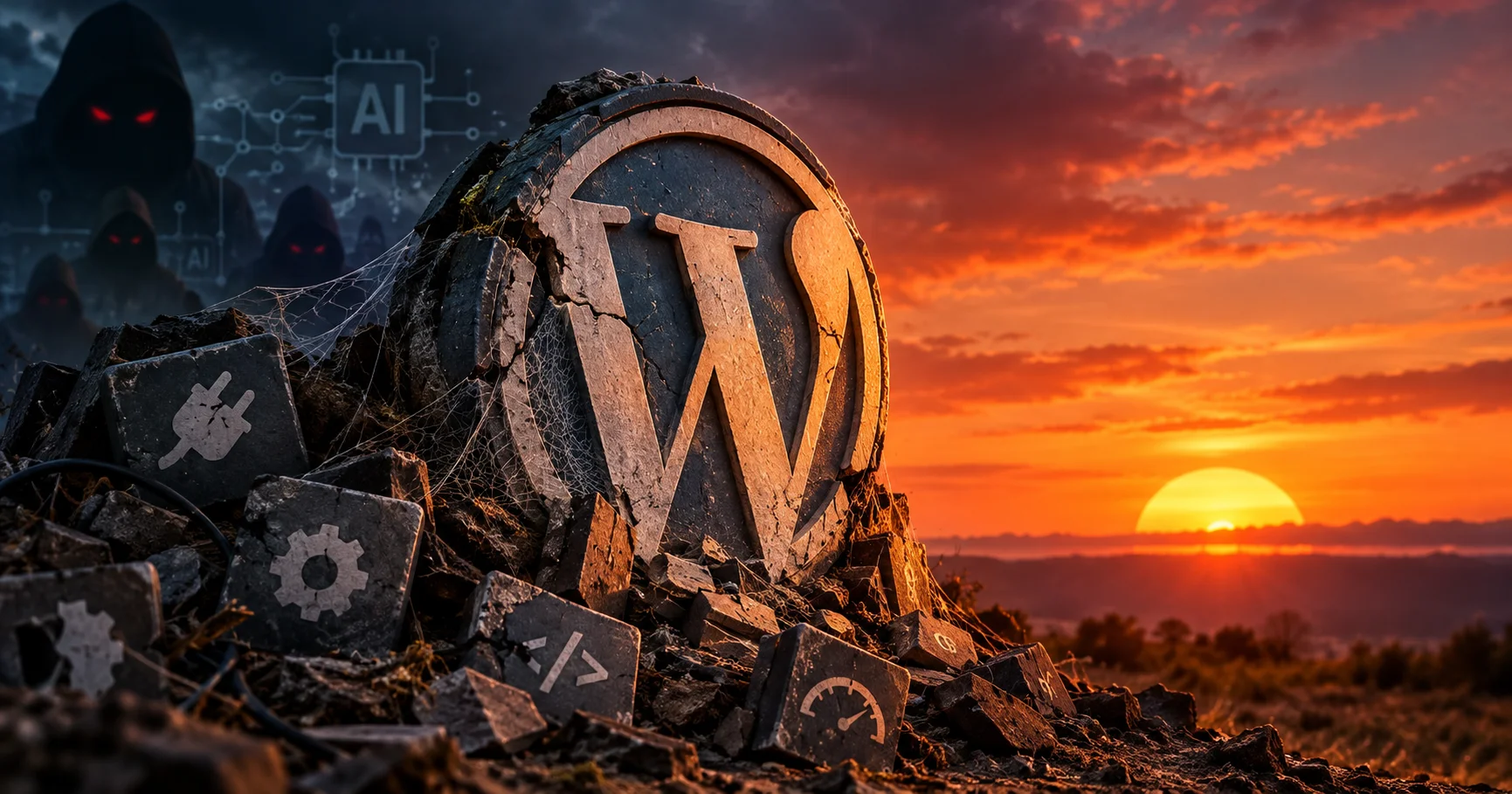
This is going to be hard to write but it's been rolling in my head for the better part of the year --- and the recent PHP Critical Update problem finally put the 'exclamation point' on what I have been feeling since I've been working on client WordPress websites in addition to my own.
You can say, without a doubt, I have been the highest WordPress supporter in the land. The near-auto SEO capabilities are fantastic to get your words spread across the internet. It's a search engine's dream.
Unfortunately, in this era of lightning fast AI -- and bad actors utilizing AI to ravage all unprotected openings you don't even know about --- with a heavy heart, it's time to sunset my use and recommendation of using WordPress. Completely.
The Dawn of WordPress
WordPress launched on May 27, 2003, created by Matt Mullenweg, a 19-year-old college student in Houston, and Mike Little, a developer in England.
It wasn’t built from scratch.
It started as a fork of b2/cafelog, an abandoned open-source blogging tool, and the goal was simple: give anyone a free, easy way to publish on the web. In 2004 WordPress added plugins, and in 2005 themes.
Suddenly anyone could add a feature or change a site’s whole look without writing code. That same year Mullenweg founded Automattic, the company behind WordPress.com, and WordPress began growing from a blogging tool into a platform for building almost any kind of website.
That openness drove one of the biggest success stories in internet history.
WordPress reached 25% of all websites by November 2015, passed 40% a few years later, and peaked above 43%. The same plugin system that made it so powerful also created a huge marketplace, with more than 61,000 free plugins in the official directory alone, each written by different developers to different standards. For years that was WordPress’s greatest strength. As of August 2026, W3Techs puts it at 41.1% of all websites, still enormous but slowly slipping.
The Problem with WordPress - Prior to AI
The plugin system that made WordPress famous is also its biggest weakness.
Every plugin is written by a different developer, on a different schedule, to different standards, and none of them is required to work alongside the others. Install a contact form plugin, a caching plugin, a security plugin, and a page builder, and you’ve combined four separate pieces of software that were never tested together. When two of them try to control the same thing, like loading their own version of a script, rewriting the same URLs, or hooking into the same part of a page, something breaks. Sometimes it’s a button that stops working. Sometimes it’s the whole site going blank, the infamous “white screen of death.” Figuring out which plugin caused it usually means switching them off one at a time on a live business site until the problem goes away.
The conflicts were only the beginning. WordPress came with a list of well-known problems:
- Updates were a gamble. Core, theme, and plugin updates arrive constantly, and any one of them can break something that worked yesterday. Owners were stuck choosing between updating and risking breakage, or not updating and risking a hack.
- The security risk lived in the plugins. WordPress core itself has held up well. Security firm Patchstack found that in 2021, 99.31% of security bugs were in plugins and themes, with only 0.58% in WordPress core. The weak point was never WordPress itself. It was everything bolted onto it.
- Abandoned plugins stayed installed. Developers move on, but their plugins stay on thousands of sites. In 2021, 29% of plugins with critical vulnerabilities never received a patch. Many site owners had no idea they were running one.
- The PHP treadmill. When hosting companies upgrade PHP, older plugins break. When they don’t, sites run on outdated versions that no longer get security fixes. Either way, the owner pays the price.
- Bloat and slow pages. Each plugin adds its own code, often loaded on every page whether it’s needed or not. Over time the database fills with leftover data from plugins that were removed years ago.
- Page-builder lock-in. Many sites were built with drag-and-drop page builders that store content in their own format. Leave the builder and you’re left with a mess of broken code, so in practice you never leave.
- Everyone knows where the door is. Every WordPress site has its login page at the same address, so bots hammer it around the clock with password-guessing attacks.
- “Free” was never free. WordPress costs nothing, but the premium plugins and themes that make a site work professionally come with annual licenses, and those renewals add up year after year.
- Pirated plugins carried malware. “Nulled” copies of paid plugins and themes, shared for free online, were a well-known way for malware to get onto sites.
- The maintenance never ends. A WordPress site is less like a finished building and more like a pet. It needs regular care, and the moment you stop, the risk starts growing.
None of this is new. Web developers have dealt with these problems for over a decade and accepted them as the cost of doing business. What changed is how fast someone can now find and exploit those weak points.
The Problem with WordPress - Now - In AI World
On October 21, 2026, the PHP project put out an emergency fix for two critical vulnerabilities in PHP itself, the programming language WordPress is built on. Both were rated 9.2 out of 10, and both could let an attacker run their own code on a server without ever logging in. The details had already leaked before the planned announcement, so admins were racing to prepare before the fix even existed. Within hours, Patchstack was reporting active attacks.
What made it different from a typical WordPress scare is where the flaws were. They sat underneath WordPress, below every plugin and theme, so updating WordPress did nothing to fix them, and WordPress.org confirmed no WordPress update was coming. Sites running Apache with mod_php were most at risk, because attackers could trigger the flaw before WordPress even loaded. Site owners had no button to click. They had to rely on their hosting company to patch the server. Two days later, PHP disclosed another vulnerability that, at the time of writing, still has no fix.
What most coverage of that story missed is how those flaws were found.
Wiz Research discovered them using AI tools and had a working attack against WordPress within two days. That’s the shift in a single example. For twenty years, finding a serious hole took a skilled person weeks or months. Now a machine can do much of that work in days, and the same tools are available to anyone.
The Age of Slow Hacker is OVER.
The old WordPress security model rested on one assumption: when a vulnerability became public, site owners had time. The fix came out, the news spread, and you had days or even weeks to update before attackers built a working exploit. That gap was the safety margin, and AI has erased it.
Here’s how: When a developer releases a security fix, the update itself shows exactly what was changed, which means it shows exactly where the weakness was. Reading that change and turning it into a working attack used to need an expert.
Now researchers have built AI systems that generate working exploits for published vulnerabilities in 10 to 15 minutes, for about a dollar each. Another research system reproduced working exploits for roughly half of all vulnerabilities published in 2024 and 2025, at an average cost of $2.77 each. In one test this year, researchers built a working exploit for a Drupal flaw (Drupal is another PHP-based platform like WordPress) within 51 minutes of the fix being published. In the real world, that same flaw drew more than 15,000 attack attempts against nearly 6,000 sites in 65 countries.
The WordPress numbers show the same pattern. Security firm Patchstack found that among the most heavily targeted WordPress vulnerabilities in 2025, the median time from public disclosure to mass exploitation was five hours. About 45% were being exploited within 24 hours. Five hours is less time than it takes most business owners to notice an email about an update, let alone install it.
Speed is Only Half of it.
Patchstack counted 11,334 new vulnerabilities in the WordPress ecosystem in 2025, up 42% from the year before, and 91% of them were in plugins. Worse, 46% had no fix available from the developer when the vulnerability went public. Think about what that means. Nearly half the time, “keep your plugins updated” isn’t a defense at all, because there’s nothing to update to. The weakness is public, attackers know about it, and the only fix is to remove the plugin or wait.
AI is speeding up both sides at once. It helps researchers find more holes, which means more disclosures. And it helps attackers turn each disclosure into a working attack almost instantly. The volunteer and small-team developers behind most plugins can’t keep up with either.
Why WordPress Gets Hit Hardest
Every platform faces faster attacks now.
WordPress is especially exposed for a few reasons.
It’s everywhere. At about 41% of all websites, one working exploit doesn’t open one door. It opens millions. No other target offers attackers that kind of return.
Every site looks the same. WordPress sites share the same folder structure, the same login address, and the same telltale files. A scanner can tell in seconds whether a site runs WordPress, which plugins it uses, and often which versions. AI doesn’t need to study your site. It already knows what it looks like.
The code is fully public. WordPress and almost every free plugin are open source. That has always been a strength, and for AI it means tens of thousands of codebases ready to read and probe at a scale no human team could manage.
The parts are written by thousands of different people. More than 61,000 free plugins means more than 61,000 places for a mistake, many maintained by one developer in their spare time, some not maintained at all.
Worst-Case Scenarios
These are what an attack looks like for a real small business.
The Friday-night takeover. A plugin vulnerability goes public on Friday afternoon. By Saturday morning, automated tools have found your site and broken in. Visitors get quietly redirected to scam pages or served malware. Google flags your site as dangerous and shows a red warning to anyone who tries to visit. You find out Monday, when a customer calls to ask why your website is “hacked.”
The silent checkout skimmer. On an online store, attackers insert a few lines of hidden code into the checkout page. The site looks and works perfectly. Every card number typed in for the next six weeks goes straight to the attacker. You learn about it from your payment processor or your bank, along with chargebacks, potential fines, and the job of telling customers their data was stolen.
The hole with no patch. A plugin your business depends on, like your booking system, membership area, or event calendar, has a public vulnerability and no fix. The developer has gone quiet. Your choices are to switch off the feature your business runs on or stay open to attack while you wait.
One key, every site. Many agencies and freelancers manage dozens of client sites from one dashboard. If that dashboard is compromised, every connected site falls together. Patchstack recently reported exactly this: an attacker with access to a WordPress management dashboard installing backdoors on the sites connected to it.
The server itself. October 2026 PHP flaws go deeper than a plugin. An attacker who gets in at that level can control the whole server, not just the website. That means the database with customer names and emails, any contact form submissions, and in some setups other websites on the same server. Many businesses also find their domain used to send spam, which gets their business email blacklisted, so legitimate messages to customers stop arriving.
The poisoned reputation. Some attacks are designed to go unnoticed. Attackers add thousands of hidden spam pages for pills, gambling, or counterfeit goods under your domain. Google indexes them, your rankings collapse, and searching your business name brings up junk. Cleaning it up can take months, and the reputation damage can last longer.
The legal aftermath. If personal information is exposed, many states, Georgia included, require businesses to notify affected customers. For a small business, the cost of legal help, notification, and lost trust can be far greater than the website ever cost.
The WordPress Model is Broken
The traditional advice for WordPress has always been keep everything updated and you’ll be fine.
That advice assumed the defender had time to react. Plus, you can only utilize so many free security plugins before you need to pay a premium for the better protection. Easily paying hundreds to thousands of dollars for plugin use that still clashes with your theme or isn't as fast with current AI attacks.
In a world where a working attack can exist within an hour of a fix being published, and where nearly half of vulnerabilities have no fix at all when they go public, a security plan built on reacting is a plan built on luck.
The problem isn’t that WordPress site owners are careless.
Some are. I’ve seen sites with twenty plugins years out of date. But even the careful ones are being asked to win a race that’s no longer winnable.
True Story
In October, a client’s WordPress site went down with an error page. When I dug in, I found someone had been living inside it for over a month.
They had planted more than twenty hidden backdoors disguised as an ordinary plugin, created fake administrator accounts (one designed to look like it belonged to the client’s own staff), and found a forgotten staging copy of the site that had been sitting online, unwatched, for three years. They had used the site to publish hundreds of spam posts in ten languages, more than 150 in a single day.
When I cleaned it, it came back.
Three times in one night. The attacker had hidden a self-repair system in three separate places, the theme’s code, the database, and a file buried in a cache folder, so every time anyone visited, the site quietly rebuilt the backdoor. The hosting company’s own security scanner noticed the infection almost two weeks late, and when it finally removed a piece of the malware, it crashed the site.
Then came the part that changed my thinking for good.
The plugins most likely to have let them in couldn’t be updated. They were premium plugins with lapsed licenses, years out of date, and WordPress had no update to offer. And there was no clean backup to go back to. Every backup that existed was taken after the attackers were already in.
“Update your plugins” wasn’t an option.
“Restore from backup” wasn’t an option. The only way to end up with a site anyone could vouch for was to start over. So that’s what we’re doing, rebuilding it from the ground up, off WordPress.
Where Do We Go From Here?
Many of us have invested a lot of money, time and infrastructure in WordPress. Switching isn’t easy.
So, what do I build instead?
I've been building client sites running on a modern, lightweight setup with no plugins at all.
In the time they have been live, I’ve barely touched them --- which is the most astonishing part of my work. For years upon years, I've been used to always going into a site (WordPress or otherwise) and always needing to tinker and update and fix. In one clients case, I haven't heard any problems for so long, I thought their site was down. Nope. Just working as intended and no complaints.
No update roulette. No plugin conflicts. No license renewals. No three-in-the-morning emergencies. Every line of code is code I control, and there’s very little of it for anyone to attack. When something does need attention, it’s one small update I can make in minutes, not twenty-eight third-party pieces I have to pray will still work together afterward.
That has been, and still is, the worst part of WordPress. Update, say, Elementor and/or Elementor Pro and there's a great chance you can crash your site. I recently updated an event plugin and parts of its functionality stopped working. I had to roll back to the previous version and wait for a fix. Then, and I kid you not, throughout September into October, they practically had an update every other day! Ridiculous.
Truth be told, no platform is immune.
AI is speeding up attacks on everything, including the tools I use now. The difference is what happens when a flaw shows up. A small system you control can be fixed fast. A sprawling one built from other people’s parts, some abandoned and some locked behind lapsed licenses, sometimes can’t be fixed at all. My client’s site proved that.
If you’re one of my current WordPress clients, I’m not walking away from you.
I’ll keep your site watched and protected while it’s on WordPress, and we’ll talk one-on-one about whether and when a move makes sense for you.
And if you’re running WordPress yourself, here’s what I’d do this week:
- Ask your host to confirm in writing that your server’s PHP is patched against the October flaws.
- Delete every plugin you’re not actively using. Deactivated isn’t enough, so delete it.
- Check whether any premium plugins have lapsed licenses. If they have, they’re probably not getting security updates.
- Look for forgotten copies of your site, like a /staging, /test, /dev, or /old folder. If you find one, remove it.
- Make sure you have a backup stored somewhere other than your website, and keep older copies too. A backup is only useful if it was made before the trouble started.
WordPress taught me how to build for the web - and to the developers of WordPress, I say thank you. Over the years, I have had wonderful themes and templates to play with. It gave me, and millions of people like me, a voice online when that used to cost a fortune.
I don’t write this lightly, and I don’t write it to bash anyone who still uses it. Trust me: I know how advantageous it is to use WordPress.
But it's a new time and era now and you can guarantee I will no longer build sites with WordPress - nor recommend web development with WordPress. I'm done. It was a great run.
The web changed and my recommendation must change with it.
— Corey A. Burkes
The Wizard of Covington
October 2026
References
Cloud Security Alliance. (2026, May 26). CERT-In’s 12-hour patch mandate: AI-paced compliance [Research note]. https://labs.cloudsecurityalliance.org/wp-content/uploads/2026/05/CSA_research_note_cert-in-12hour-patch-mandate-ai-exploitation-governance_20260526-csa-styled.pdf
Codeable. (2026, October). PHP security release on 21 October 2026: What WordPress site owners need to do. https://www.codeable.io/blog/php-vulnerability-cve-2026-109618/
Colorlib. (2026, March). 40+ WordPress hacking statistics (Patchstack 2026 data). https://colorlib.com/wp/wordpress-hacking-statistics/
Cybernews. (2026, October). WordPress websites at risk from severe PHP flaws: Emergency patch issued. https://cybernews.com/security/wordpress-php-severe-rce-flaws-emergency-patches/
Envato Tuts+. (n.d.). The history of WordPress: From 2003 to today. https://webdesign.tutsplus.com/the-history-of-wordpress--cms-109137a
Gelbmann, M. (2015, November 9). WordPress powers 25% of all websites. W3Techs. https://w3techs.com/blog/entry/wordpress-powers-25-percent-of-all-websites
Georgia Personal Identity Protection Act, O.C.G.A. § 10-1-910 et seq.
GoDaddy. (2026, October 23). Important PHP security update: What website owners need to do. https://www.godaddy.com/resources/news/important-php-security-update-what-website-owners-need-to-do
Jong, D. (2026, October 19). Stolen UpdraftCentral keys are backdooring WordPress sites. Patchstack. https://patchstack.com/articles/updraftcentral-key-compromise-wordpress-backdoors/
Patchstack. (2022). State of WordPress security in 2021. https://patchstack.com/whitepaper/the-state-of-wordpress-security-in-2021
Patchstack. (2026a, October 21). Major security alert: PHP vulnerable to critical RCE, attacks ongoing. https://patchstack.com/articles/php-major-vulnerability-alert-10-2026/
Patchstack. (2026b, February 25). State of WordPress security in 2026. https://www.patchstack.com/whitepaper/state-of-wordpress-security-in-2026/
The Drop Times. (2026). Miggo reports 51-minute AI exploit test for Drupal CVE-2026-9082. https://www.thedroptimes.com/node/70116
Valmarelox. (n.d.). Can AI weaponize new CVEs in under 15 minutes? Substack. https://valmarelox.substack.com/p/can-ai-weaponize-new-cves-in-under
W3Techs. (2026, August 11). Usage statistics and market share of WordPress. https://w3techs.com/technologies/details/cm-wordpress
Wiz Research. (2026, October). PHP2Shell: AI uncovers critical RCE vulnerabilities affecting 70% of the internet. https://www.wiz.io/blog/php2shell-php-rce
WPBeginner. (n.d.). The history of WordPress from 2003–2025 (with screenshots). https://wpbeginner.com/news/the-history-of-wordpress
WPZOOM. (2026). WordPress statistics. https://www.wpzoom.com/blog/wordpress-statistics/